Remote locking
The owner can request a native workstation lock through the connected agent.
Project 06 / 12 · Cybersecurity / Full Stack
A personal laptop security ecosystem connecting a desktop agent, a mobile controller and a web dashboard.
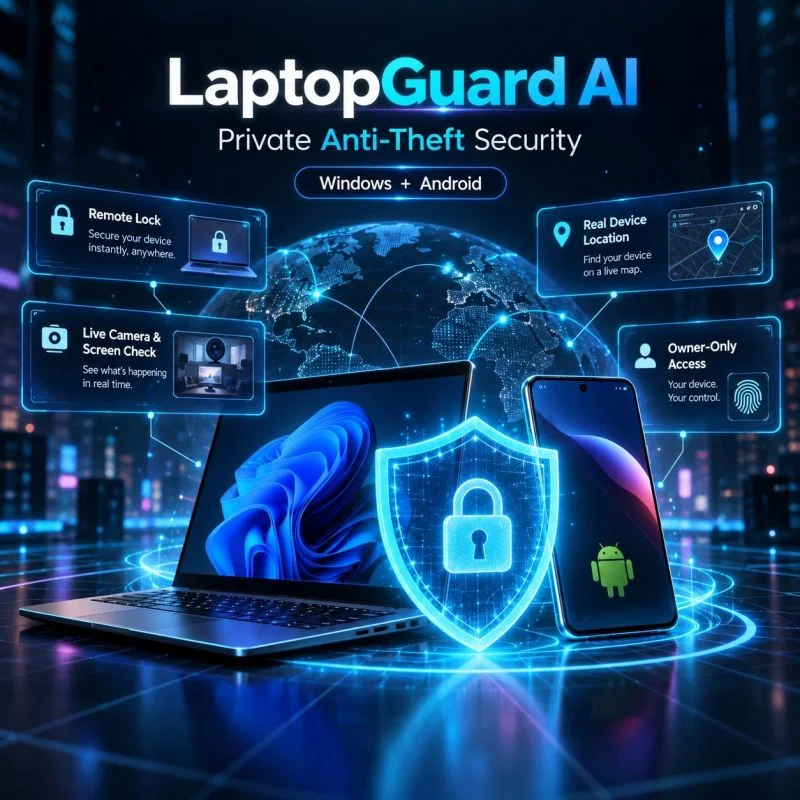
LaptopGuard AI explores owner-operated laptop monitoring across desktop, mobile and web. It connects a Windows security agent with a mobile controller and a dashboard for device status and remote actions.
The public source documents device pairing, remote workstation locking, alerts for power and network changes, camera verification and location information. Location is based on available network signals rather than a claim of built-in GPS.
Its documented camera workflow includes a visible on-device notification and session limits. The source also describes buffering events while offline and synchronizing them when connectivity returns.
The owner can request a native workstation lock through the connected agent.
The documented watchdogs detect power disconnects and changes in Wi-Fi connectivity.
The camera workflow uses WebRTC with an on-device notification and session limits.
The agent’s documented queue buffers events and synchronizes them after reconnection.
Agent → Python integrates desktop status checks and operating-system actions.
Backend → FastAPI and WebSockets connect agent events to the dashboard and controller.
Clients → A React web dashboard and Flutter mobile application provide owner-facing controls.
Open an image to see the full detail. Use the arrow keys to move through the gallery.
Official references for the tools used in this project.